

How do you write a prompt for ChatGPT and check its answer?
- A template to copy, a follow-up email and seven rules to adjust your instruction.

A prompt is the instruction you give to ChatGPT. To write an email after a call, say who is writing to whom, then paste your notes. When you proofread, check who promises what. Does "Friday would suit me" commit the salesperson to delivering the quote on Friday?
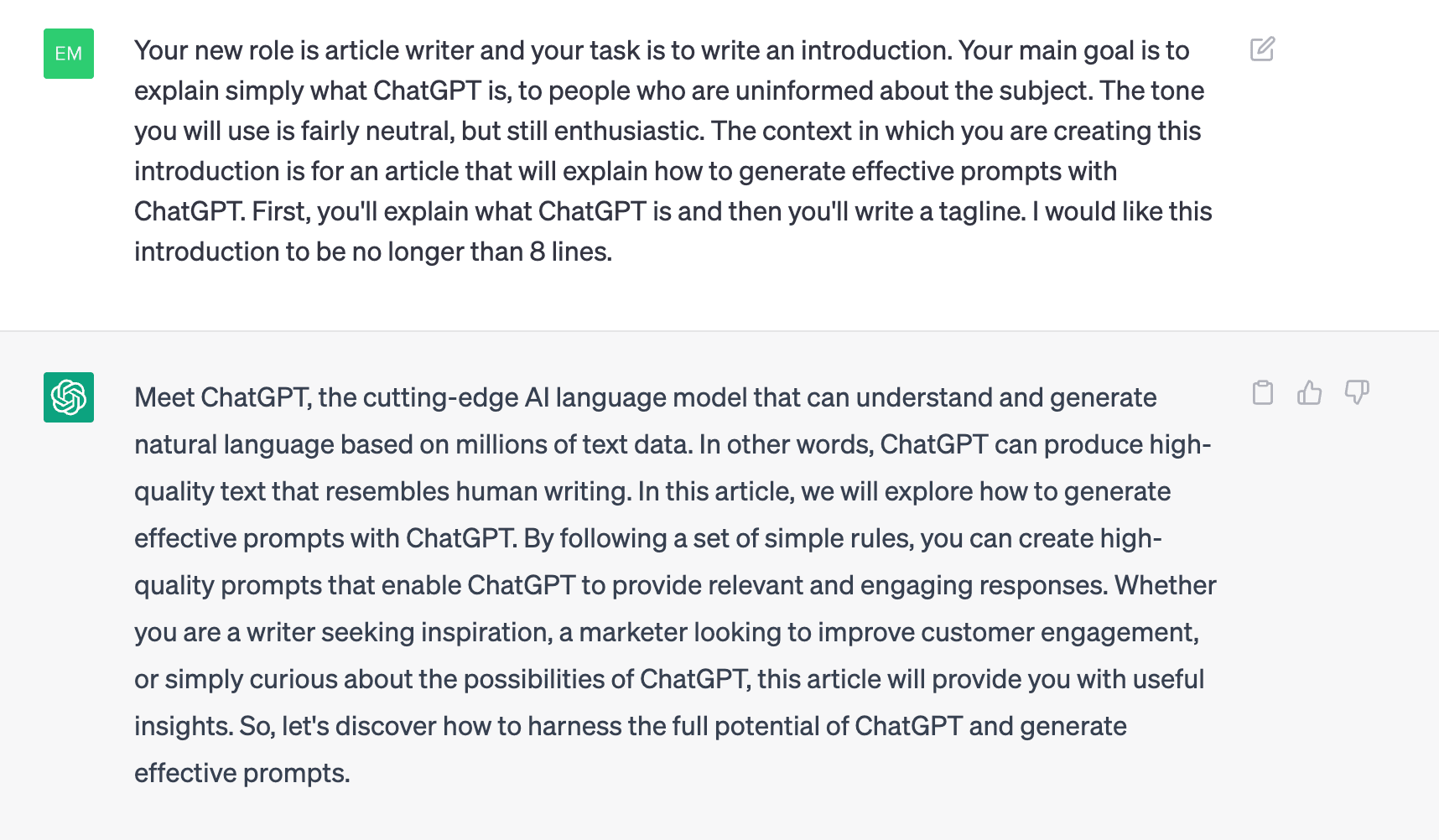
ChatGPT is a revolutionary new technology that is changing the way we communicate and interact with computers. ChatGPT is OpenAI's assistant. Among other things, it can write, rephrase and summarize a text. With its ability to understand and process natural language, ChatGPT has a wide range of potential applications, from chatbots and virtual assistants to language translation and content creation.
This article aims to reveal the secrets of an effective prompt, which we consider to be the 7 golden rules: role, tasks, objectives, context, steps, constraints and finally format.
A prompt template to copy into ChatGPT
The template to fill in
Replace the details in square brackets, then add your notes at the end of the message.
Write on behalf of [sender and role] to [recipient]. Write [deliverable] for [goal]. Use only the notes below. Distinguish requests from commitments and assign each action to the person who agreed to it. Mention a date only if the notes confirm it. Use [tone] and respect [length]. Present the result as [format]. Notes: [text with the name or role of each speaker].
A filled-in example with call notes to write a follow-up email
Luc has to send a quote to Maya. Here is the complete prompt, ready to try. The call notes and emails in this example are fictional.
You write on behalf of Luc to Maya. Write a follow-up email so that everyone knows which action is theirs. Use only the notes below. Distinguish Maya's wish from the commitments made and assign each action to the right person. Mention a date only if the notes confirm it. Address Maya formally. Limit the body to 80 words. Give a subject line, then the message signed Luc.
Call notes
Maya, customer: "Could you send me the quote? Friday would suit me."
Luc, salesperson: "I will send you the quote. I still have to check the timing with my team."
Maya: "Once I receive it, I will forward it to procurement."
Here is an email that matches these notes, written for the exercise:
Subject: Following our call about the quote
Hello Maya,
I will send you the quote. I am checking with my team when we can get it to you. You can then forward it to procurement, as agreed.
Kind regards,
Luc
The seven rules for writing a prompt
If your first draft works for you, there is no need to make the instruction longer. The seven rules below help you find what to specify when a detail of the answer bothers you.
1. Give ChatGPT a role
It is important to note that ChatGPT has a specific role. This helps provide context and clarity for the reader. As an AI language model, ChatGPT was developed to generate human-like text responses to user input.
Therefore, it is important to clarify its role to ensure that the reader understands the capabilities and limitations of the model. Clarifying the specific role of ChatGPT will allow for the creation of more contextually appropriate text, and thus better understanding.
In this example, you proofread the draft email and decide whether to send it. ChatGPT is just a tool to help with the writing process.
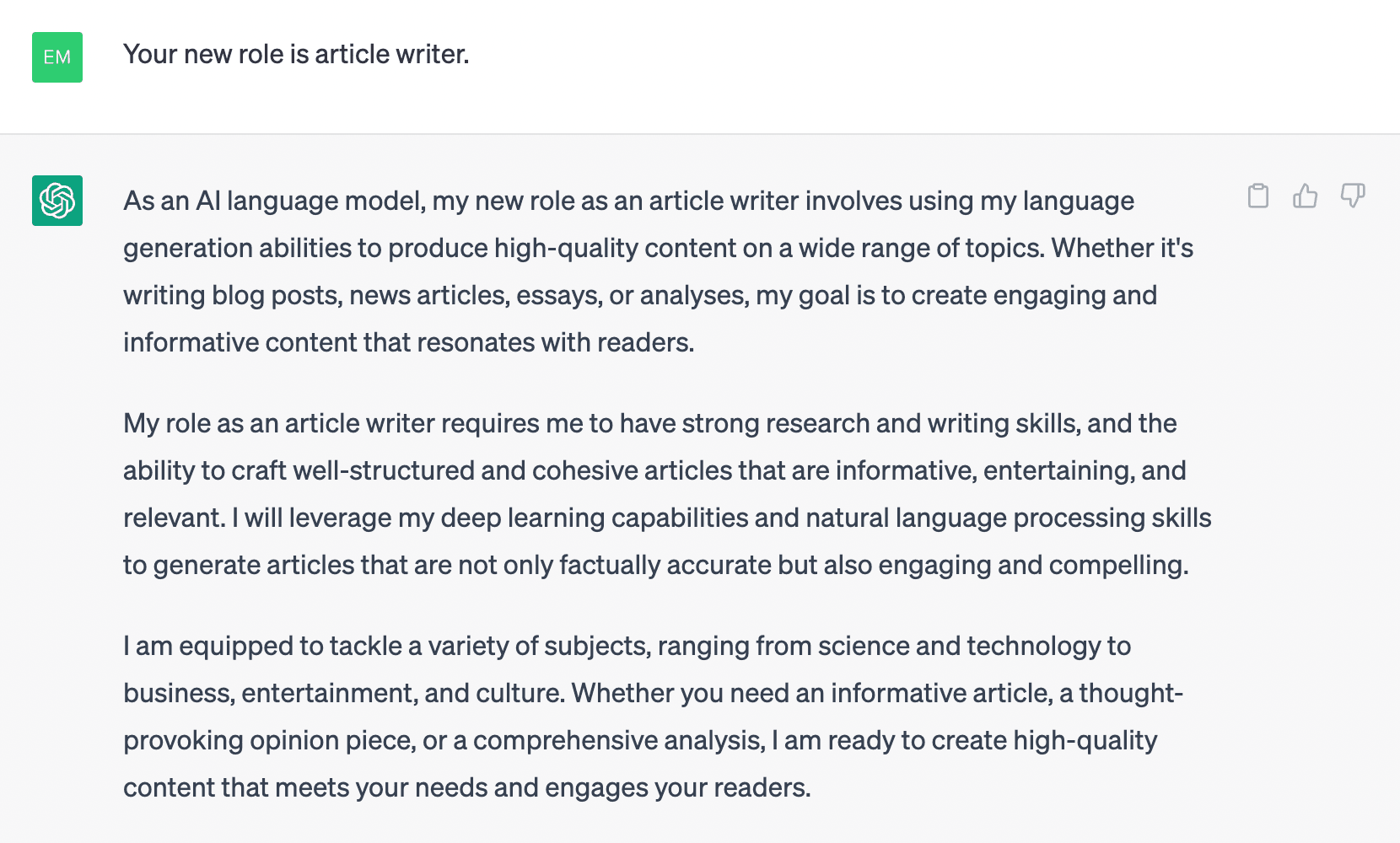
In the email to Maya, "You write on behalf of Luc" is enough to set the point of view. When the message says "I will send you the quote", the "I" is the salesperson.
2. Name the task to accomplish
If you need help with a specific task, you can ask ChatGPT to do it for you. As a language model, ChatGPT can provide accurate and detailed answers to a variety of questions and topics, such as general knowledge questions, language translation, writing assistance, etc.
ChatGPT can also help you summarize articles, suggest writing ideas, and provide feedback on your writing. However, it is important to remember that ChatGPT is an AI language model and may not always give you the exact information or answers you are looking for. We encourage you to review the information provided by ChatGPT and use it as a tool to add to your own knowledge and expertise.
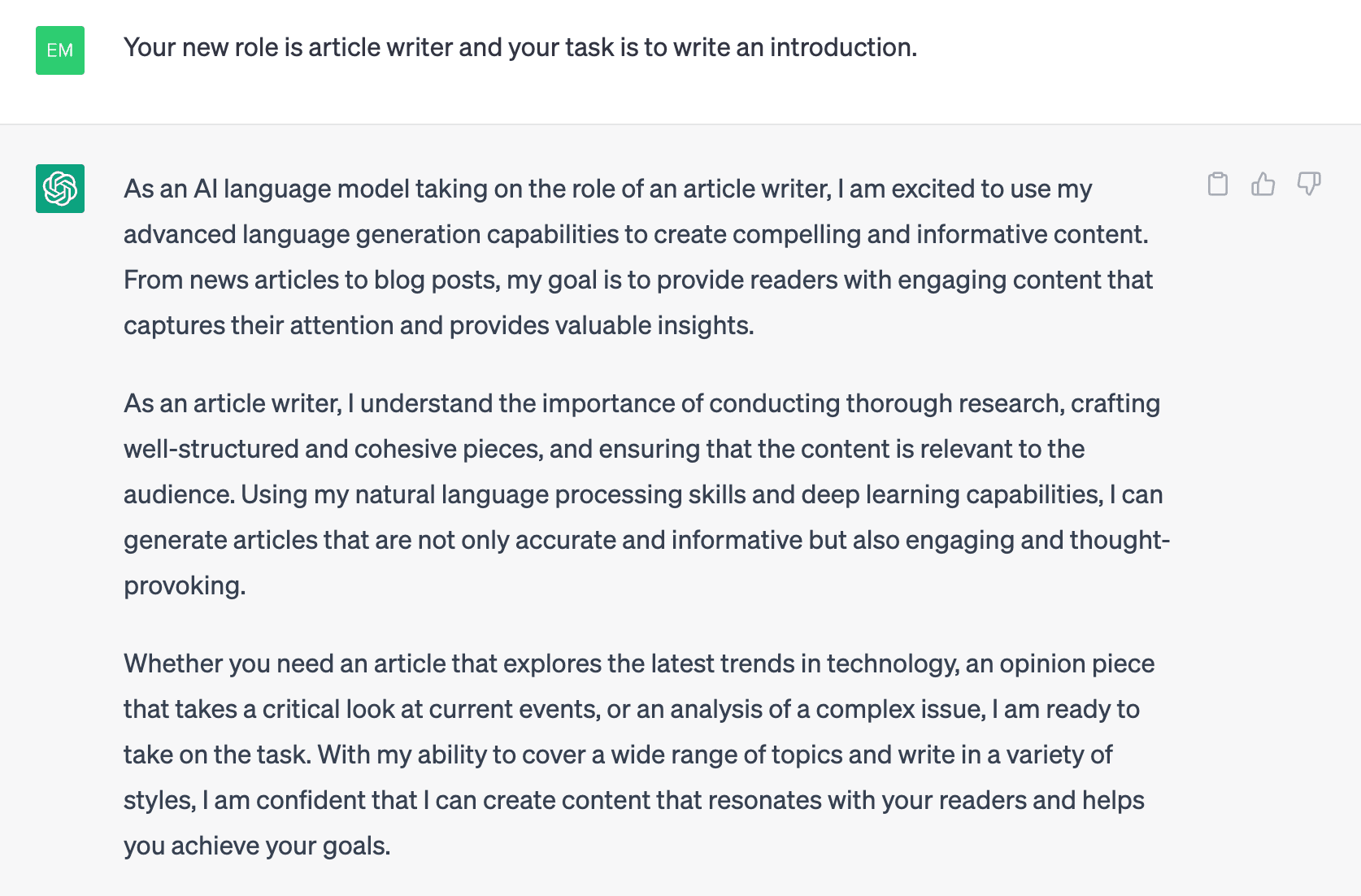
Compare "Summarize the call" with "Write a follow-up email to Maya". The first instruction may produce an internal note. The second names the recipient of the message.
3. Specify what the answer will be used for
Tell ChatGPT what the recipient should be able to do after reading. For example, if you want to write an article on a particular topic, you can ask ChatGPT to provide you with relevant information, statistics, and examples that you can use to support your writing.
Setting goals also ensures that the responses you receive from ChatGPT are targeted and tailored to your needs. A clear goal also helps you stay on track and not get distracted by irrelevant information.
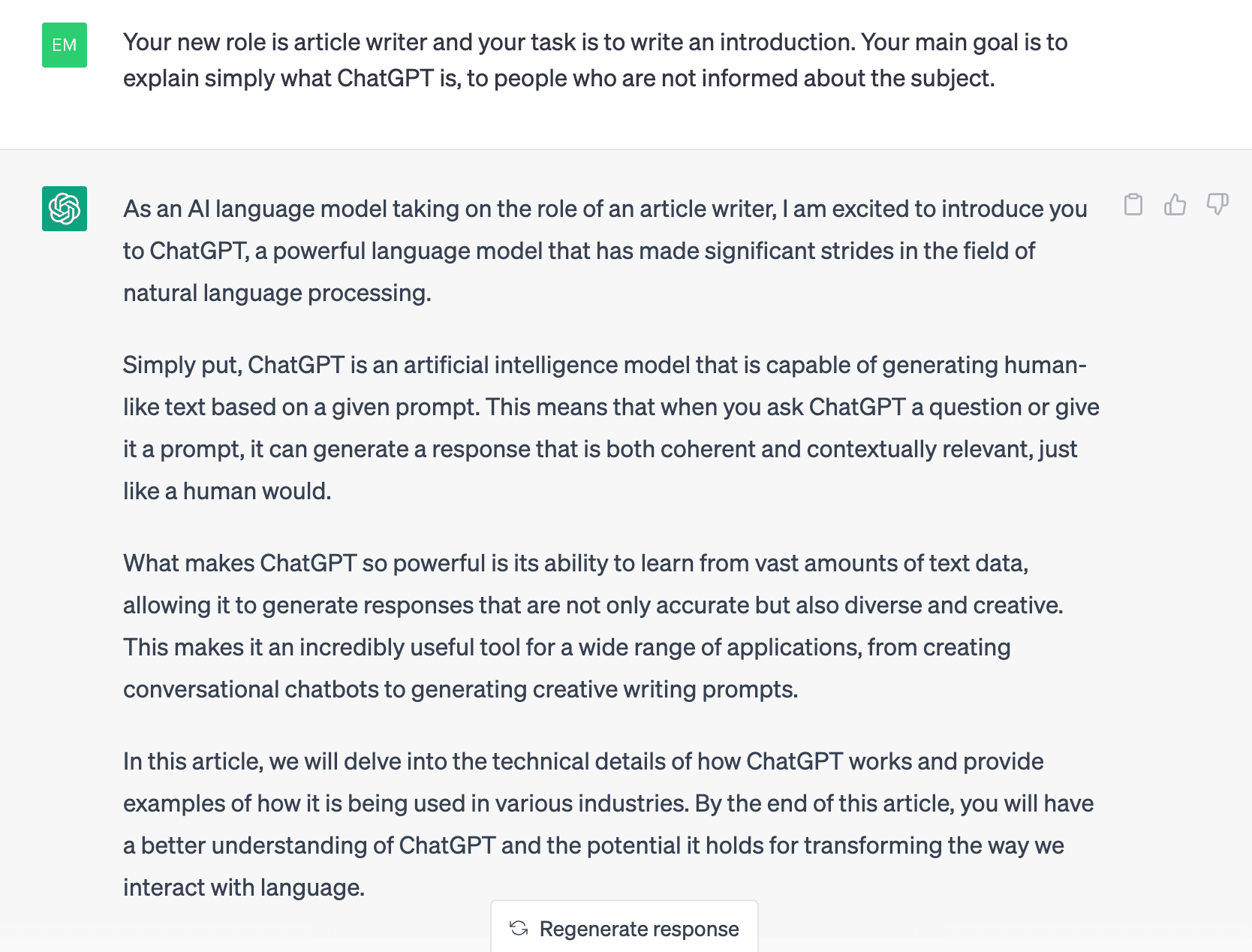
Luc wants everyone to know what to do after the call. A phrase like "Thanks for the chat" is polite, but it does not tell Maya who will send her the quote.
4. Provide the context and useful documents
It is important to provide ChatGPT context when requesting effective text. This helps ChatGPT understand the type and purpose of the text it is looking for. Context can include information such as the genre you are writing about, the tone you are trying to convey, your audience, and the topic you are exploring. Providing this information allows ChatGPT to write answers tailored to your specific needs and preferences.
If you are writing a science fiction story, specify the era in which it is set. In general, the more specific and detailed the context you provide, the more effective the answers ChatGPT generates.

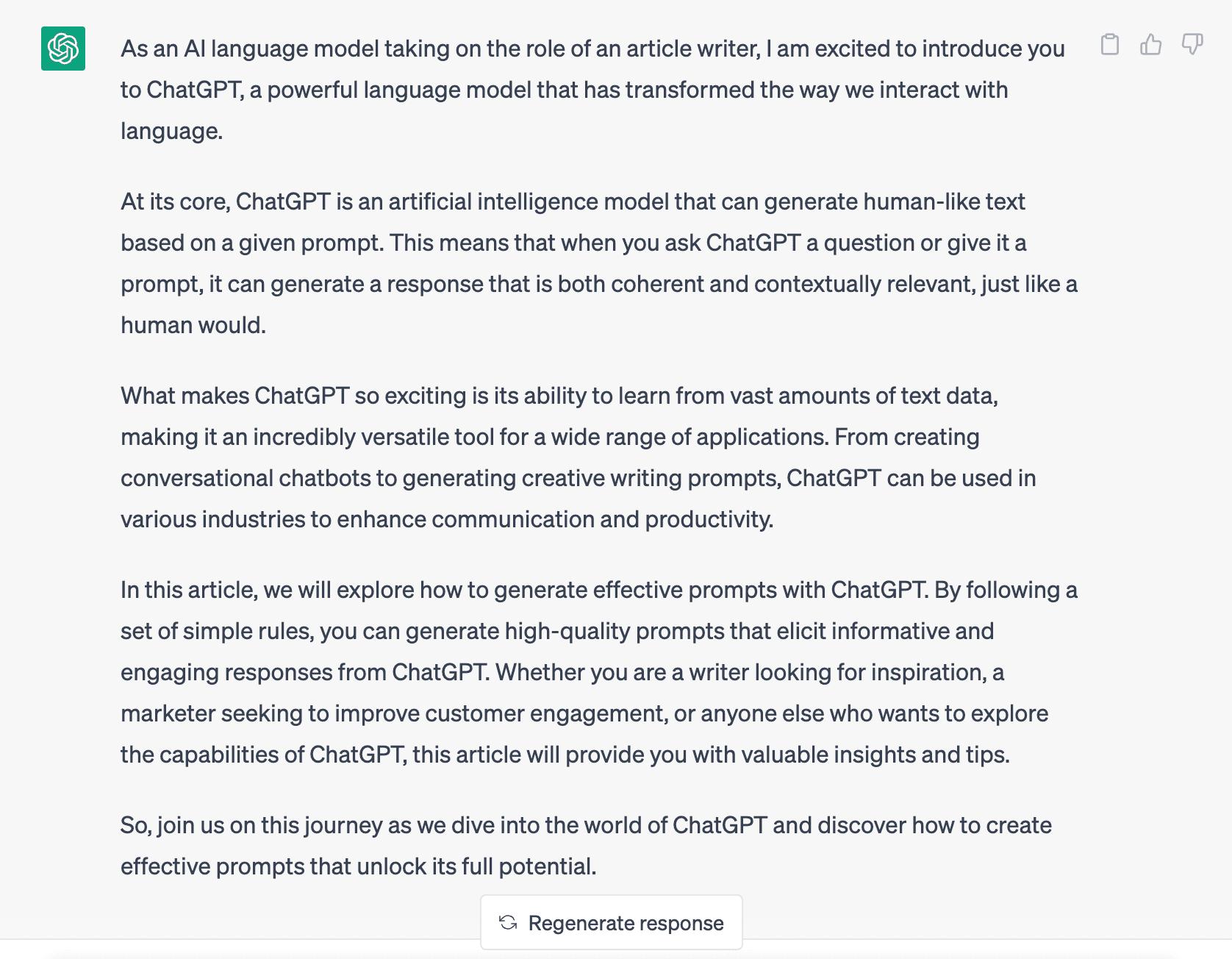
For Luc's email, the useful detail fits on one line: he still has to check the timing with his team.
5. Indicate the steps to follow
It can be important to inform ChatGPT of the different steps for writing an answer, as this helps ChatGPT better understand the type of answer you are looking for and write useful responses. By breaking the creation process of the answer down into different steps, you can give ChatGPT more detailed and specific instructions, which can improve the quality and relevance of the generated answers.
For example, when creating a prompt for a creative activity, the process can be broken down into steps such as "identify the theme", "define the protagonist and the setting" and "develop the conflict". Once you have given this information to ChatGPT, it will follow these specific steps to create an answer that fits your writing goals.
In general, splitting the writing work into several steps will help you communicate your goals and preferences to ChatGPT, resulting in more useful and effective answers.

If the draft mixes up the commitments, ask: "First list what each person agreed to do, then write the message." Compare the list with the notes before reworking the email.
6. Set the tone and length constraints
Constraints can play an important role in your wording and ensure that it meets your specific needs and goals, so you can tell ChatGPT about the limitations of your text. Restrictions can include factors such as word count, tone, genre, audience, and topic. By providing ChatGPT with information about these restrictions, it can write answers tailored to your specific needs and preferences.
For example, if you are writing content for a news contest that has a strict character limit, specifying that limit in ChatGPT can help you create concise, targeted content. Similarly, if you are writing for a specific audience or genre, providing this information to ChatGPT can help you create texts that are tailored and relevant to your target audience. In general, you can give ChatGPT information about various restrictions so that the answers respect these constraints and help you meet your specific needs and goals.
In the example, "Address Maya formally" sets the tone and "Limit the body to 80 words" fixes the length. Adjust this limit to the message you have to send.
7. Choose the format of the answer
It is important that GPT chat requirements follow a certain format. Indeed, it has a clear objective to improve the quality of the generated text. The formatting of your GPT chat can make your text more relevant, accurate, and pertinent to a specific audience or purpose. This is especially important when using Chat GPT for tasks such as content creation where the text must meet specific guidelines or requirements.
In addition, linking GPT Chat to a specific format helps users understand how it is used and the expected results. Ultimately, tying GPT Chat to a specific format can improve its effectiveness and performance, ensuring that it produces text that meets your needs and expectations.
For Luc's email, "Give a subject line, then the message signed Luc" shows exactly where the text to reuse begins and ends.
To maximize the effectiveness and usefulness of ChatGPT, it is important to give it roles, tasks, objectives, contexts, steps, constraints and an answer format. By assigning specific tasks to ChatGPT, you can ensure that your users' requests receive an accurate and appropriate answer. Similarly, providing a clear context and a well-defined goal can ensure that the answer is tailored to the user's needs.
How do you check the email and fix the prompt?
Find in the notes who committed to what
Luc says "I will send you the quote": the first action is his. Maya says "Once I receive it, I will forward it to procurement". She commits to forwarding a document she is still waiting for. If your draft says that procurement has approved, remove that sentence: no line of the call establishes it.
Spot a deadline that nobody set
In "Friday would suit me", the day is clearly stated. What is missing is Luc's agreement. You can write "I noted that Friday would suit you". To write "I will send you the quote on Friday", Luc would have had to confirm the timing.
Change an instruction and compare the two emails
Keep the same call notes. Try the prompt without the sentence "Mention a date only if the notes confirm it", then add that sentence back. Compare what each answer does with Friday. OpenAI recommends reading the first answer before adjusting the instruction.
Here are two wordings written to illustrate the difference. In the first email, Luc promises a date:
Hello Maya, I will send you the quote on Friday. You can then forward it to procurement, as agreed. Kind regards, Luc.
In the second, Maya's action stays the same. Only Luc's deadline needs checking:
Hello Maya, I will send you the quote. I am checking with my team when we can get it to you. You can then forward it to procurement, as agreed. Kind regards, Luc.
If your first attempt already leaves the deadline open, it passes this check.
How do you reuse the instruction after every call with Leexi?
In Leexi, you can create a meeting minutes template for your sales calls. Specify in the instruction the information you want to find at the end of each call, for example the customer's requests and the salesperson's commitments. Attach the template to the matching conversation type. Leexi can then apply it when it recognizes that type of meeting. Customize a meeting minutes template in Leexi
To isolate what your contacts say in a section, specify in the instruction which voices to keep. Read the first summary against what was actually said before carrying the commitments over into your email.
Looking for instructions to summarize the whole meeting? You can reuse one of the nine meeting minutes prompts. To see how to find the commitments after your own calls, try Leexi.
Frequently asked questions about ChatGPT prompts
Do you have to fill in all seven sections of the prompt for a simple email?
You can start by telling ChatGPT who is writing, to whom, for what purpose and from which notes. The seven sections help you spot what is missing. If the first email carries the right commitments and suits the recipient, you can stick with that instruction.
How do you change the prompt if the email is right but too long?
Keep the same notes and change only the length instruction. For example, ask ChatGPT to limit the body of the email to 80 words. Reread the short version to check that it keeps the commitments and any conditions attached to them. The 80 words are an example of a limit that you can adjust.
Can you reuse a date mentioned during the call in the email to the customer?
Yes, as long as you keep the meaning of what was said. If the customer says "Friday would suit me", you can mention their preference. To write "I will send you the quote on Friday", you must find that commitment in the notes. If the timing still has to be checked, say so in the email.
Where do you enter a formatting instruction in a Leexi template?
Enter the rule in the template's instruction field. The Description field is used to describe the template. If you expect a table, specify the desired format in the instruction, then check the resulting summary on a call.
Why does Leexi use a different template from the one prepared for my sales calls?
Check which conversation type the template is attached to, then which type was assigned to the call. Leexi can apply the template associated with the recognized meeting type. If the summary uses the sections of another template, that attachment is the first thing to check.
Recommended Articles
How is artificial intelligence capable of generating text ?
Discover ChatGPT’s history, how OpenAI’s LLMs generate text, and the key ethical and technical challenges behind this AI breakthrough.
09/22/2026
Read more
The fascinating history of AI
These days, artificial intelligence is part of our daily lives. So it's interesting to understand where it comes from and how it all began.
09/22/2026
Read more
How AI boosts productivity at work
AI integration is transforming workplaces, revolutionizing how companies boost productivity and adapt to a changing professional world.
09/08/2026
Read moreReady to boost your productivity with Leexi?
Leexi AI Notetaker takes notes for you