01
Start recording with a single gesture
Start recording instantly from the app or via your mobile shortcuts, even at the last minute.

The power of Leexi in the field. Record your in-person meetings, client appointments, and field visits, and take photos during the recording directly linked to your summary & transcript.
Download the app and capture your in-person conversations.


HOW IT WORKS
01
Start recording instantly from the app or via your mobile shortcuts, even at the last minute.
02
Take a photo of a whiteboard, document, product, or installation without interrupting the audio recording.
03
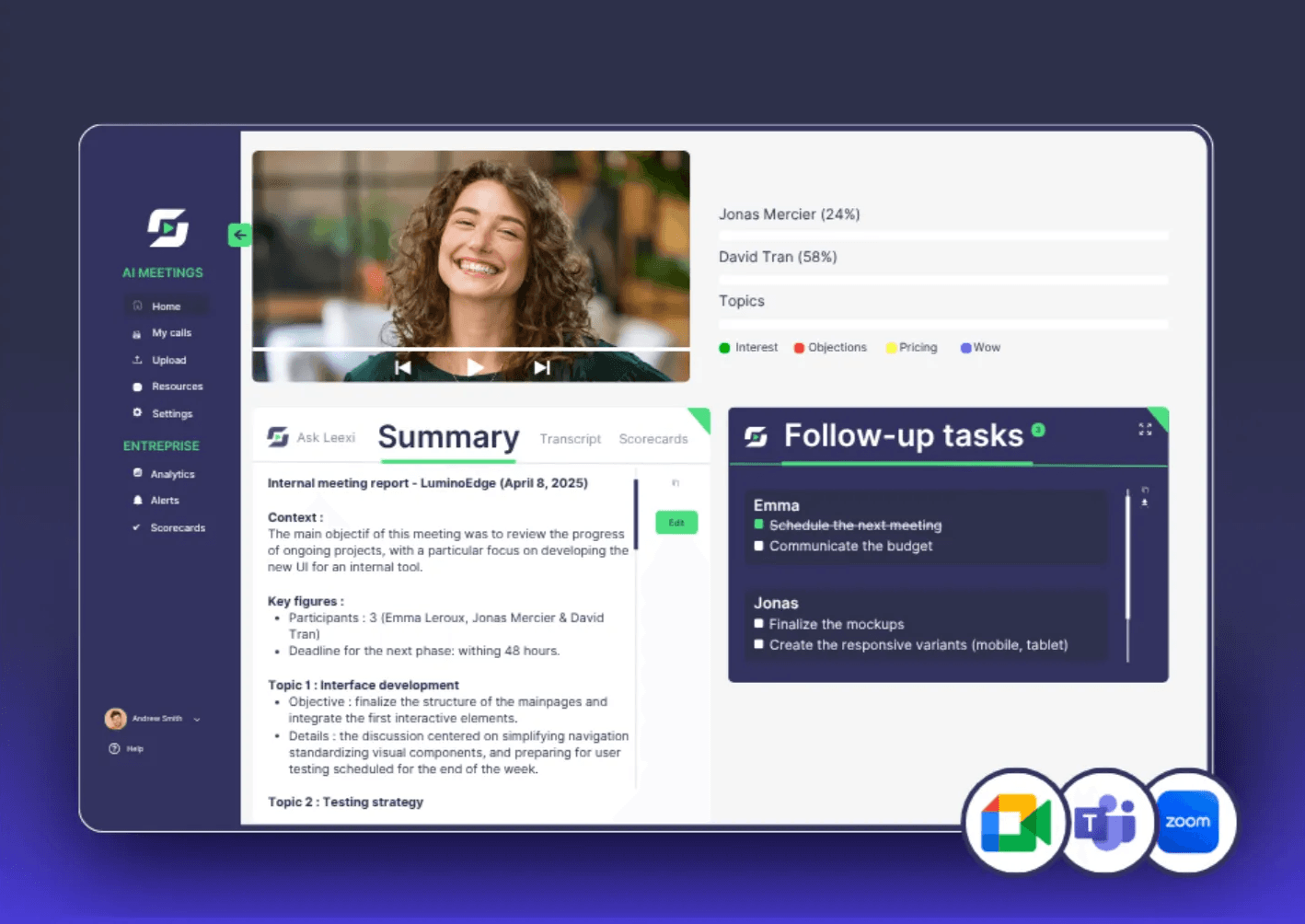
Automatically find the transcript, summary, and your photos integrated in the right place within your Leexi workspace.

Some information cannot be conveyed with words alone. A whiteboard, a product, a worksite, or a document deserve to be captured at the right moment without ever stopping the recording.
CAPTURE MORE THAN JUST YOUR RECORDINGS
01
Capture your key visuals at any time without interrupting the audio recording.
02
Your photos are automatically timestamped and linked to the exact moment in the conversation.
03
Your diagrams, tables, and supporting documents are directly integrated into your deliverables and summaries.
START IN THE BLINK OF AN EYE
In the field, every second counts. No more searching for the app buried on your phone—start recording instantly using shortcuts:\n- Widget & Control Center: Start recording directly from your Home Screen.\n- Action Button & Siri: Use your smartphone’s physical buttons or voice command.\n- Long press: Press and hold the Leexi icon to start immediately.
Integrations
The mobile app feeds your CRM and your usual tools: your on-site conversations land in the right records
Also in Leexi One
Yes. You can record all your conversations offline. As soon as your phone reconnects to the network, the app automatically syncs your recordings with your Leexi account.
The mobile app is specifically designed to capture your in-person meetings and conversations in the field. For your phone calls and video conferences, Leexi integrates directly with your usual telephony and video conferencing tools.
Yes. The photos are linked to the conversation in chronological order and can be integrated directly into the summary according to the selected report template.
Absolutely. If your CRM is connected to Leexi, you can link your recording to the corresponding customer account or opportunity before starting the synchronisation.
To ensure maximum confidentiality, the management of audio files recorded locally complies with your company’s security policy (temporary local storage or automatic deletion after upload).
Can't find your answer? Check our documentation
iOS and Android · Included in all plans, at no extra cost
Start for free