

01
Choose your recording mode
View the meetings in your calendar to invite the Leexi assistant, or start a local recording.
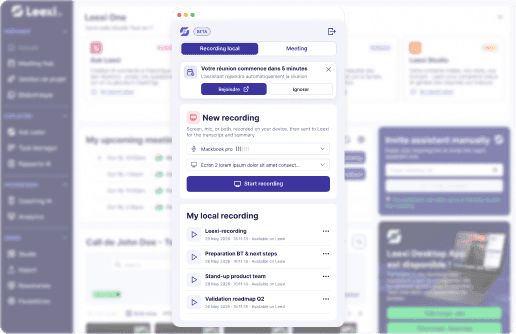
Manage your meetings from your computer or record them locally whenever you want. Schedule the Leexi assistant from your calendar or start capturing your screen and audio, then send the recording to Leexi to access the transcript, summary, and follow-up tasks.
HOW IT WORKS
01
View the meetings in your calendar to invite the Leexi assistant, or start a local recording.
02
Select a screen or window, choose your microphone, and control the recording from the app.
03
Add the meeting context, then find its transcript, summary, and follow-up tasks in your Leexi workspace.
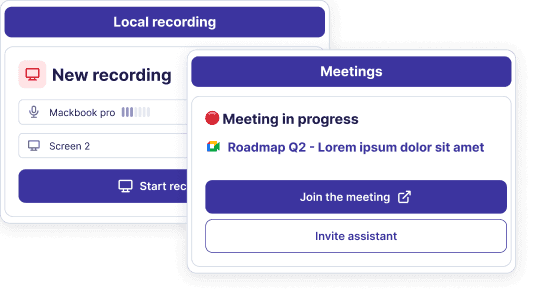
The Desktop app supports you in both scheduled meetings and those you start at the last minute. Find your upcoming meetings from your calendar, or record locally without going through your calendar.
After a local recording, send it to Leexi and complete the relevant information. You can then find the processed content in your Leexi workspace, alongside your other conversations.
Also in Leexi One