
01
Sync Your Calendar
Connect Google Calendar or Outlook: Meeting Hub centralizes your meetings and prepares a briefing sheet before each one.

Never start a meeting on a blank page again. Meeting Hub transforms your calendar into a smart preparation space that gathers context, history, and key information about your business before you even say "hello".
HOW IT WORKS
01
Connect Google Calendar or Outlook: Meeting Hub centralizes your meetings and prepares a briefing sheet before each one.
02
AI generates contextual recommendations: topics to discuss, key questions, and reminders based on your previous interactions with this contact.
03
Share the agenda on shared notes, keep your personal reminders private, and attach your working documents.
04
Clarify the agenda with shared notes, keep your personal reminders in your private notes, and attach your work documents.
05
Automatically retrieve your settings and contextual information from one session to the next for smooth, continuous project tracking.

You reopen a contact's history the day before a meeting, you look for the last decision made with that client, you gather documents at the last minute? Meeting Hub brings all that together even before you open your calendar.
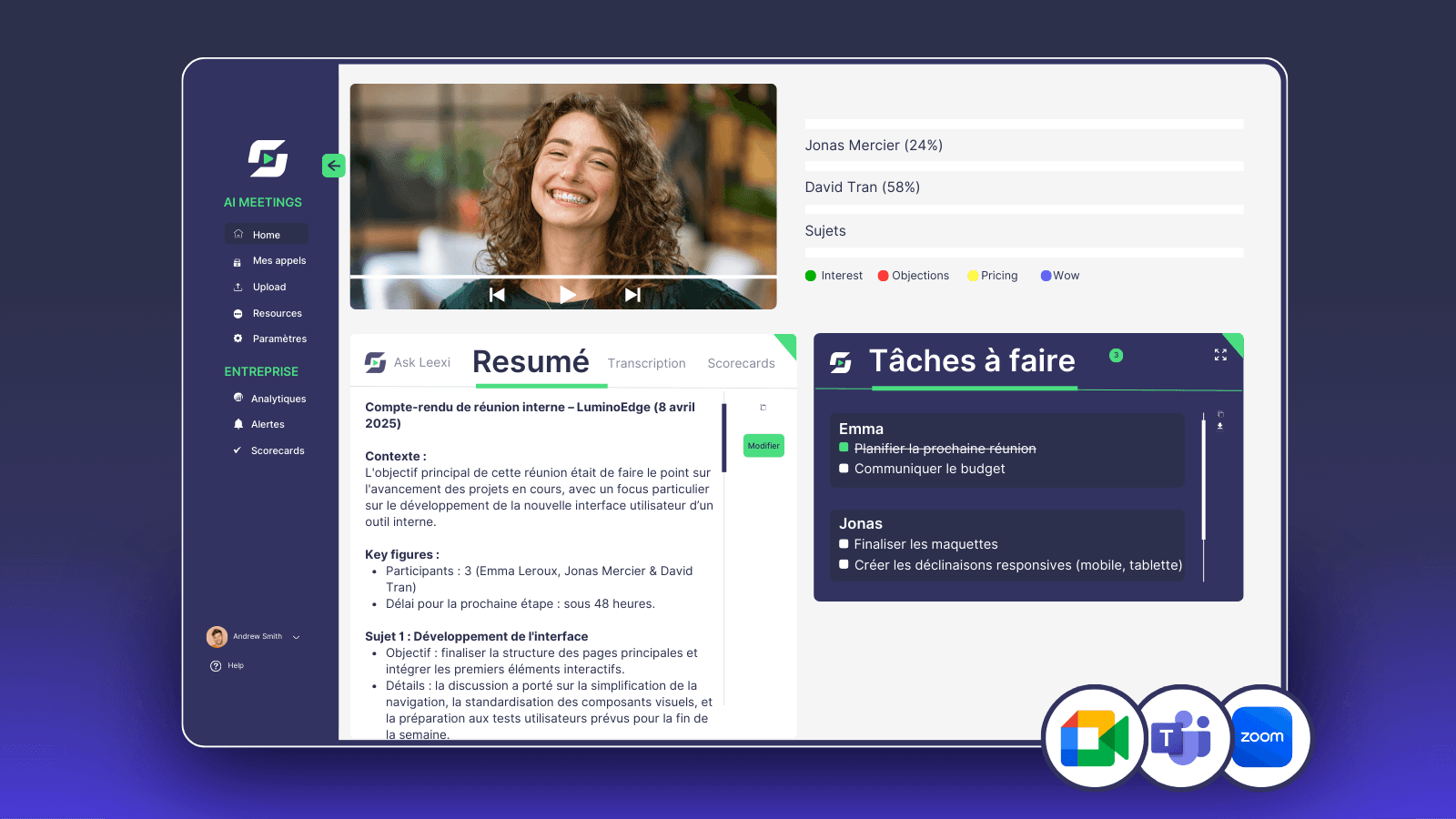
PREPARE TOGETHER OR SOLO
Integrations
The Meeting Hub connects to your tools and prepares every meeting for you
Also in Leexi One
Make sure the integration with your email service (Google Calendar or Outlook) is properly enabled in your account settings.
AI automatically prepares your contextual summary moments before the meeting so it includes the most up-to-date information. You can also manually generate it at any time.
They are activated when relevant meeting history exists within your organization and depending on the features included in your subscription.
For relevance and confidentiality, external contextual search is activated only for your external meetings and according to the configured settings.
Only shared notes are used by AI to enhance meeting minutes and summaries. Your private notes remain completely confidential and inaccessible to analysis.
To give you a panoramic view and optimal working comfort when preparing your files, the Meeting Hub is designed for use on a computer.
Can't find your answer? Check our documentation
iOS and Android · Included in all plans, at no extra cost
Start for free