Optimize Your Onsite Meetings with the AI Note Taker
- Use Leexi's AI Note Taker in person
- Boost your efficiency
- Become productive
In a constantly evolving professional world, efficiency and productivity have become essential expectations. Among the tech innovations reshaping how we work, AI tools stand out. Among these, the AI Note Taker holds a special place, especially during video conferences but also onsite. However, how can you fully leverage the virtual assistant where human interaction and group dynamics are key? This article explores how to integrate the AI Note Taker into your physical meetings. The result is the same as in video calls: an AI note-taking tool onsite captures decisions, tasks, and deadlines. Discover how this tool can transform your meetings into a more productive experience.
What is an AI Note Taker?
An AI Note Taker is an app or software that changes how we take notes during meetings. Based on AI and advanced speech recognition, it automatically records and transcribes conversations in real time, providing accurate and fast transcripts. It not only captures every spoken word but can identify speakers, organize info by categories, and generate structured summaries. By integrating these features, the AI Note Taker lets participants stay fully engaged while ensuring every important detail is captured and easily accessible later. The AI Note Taker removes the need for manual note-taking, freeing up time and boosting meeting productivity!
The AI Note Taker is commonly used in virtual meetings, where the bot automatically joins sessions and records all content. Thanks to integration with your calendar, the Leexi bot joins meetings autonomously, requiring only organizer approval for privacy. However, you can also use Leexi's AI Note Taker in onsite meetings, offering a flexible note-taking solution regardless of meeting type.
How to record an onsite meeting?
To record an onsite meeting with Leexi, you have several options, each with its own advantages in simplicity and efficiency, letting you choose the best fit for your habits and needs.
Two ways to record an onsite meeting with Leexi:
Using the Leexi mobile app
The most integrated method is to use the Leexi mobile app directly to record the meeting. Once you open the Leexi app on your device, go to the "Upload" section and select "Record now."
By choosing this option:
-
Recording starts directly in the app.
-
No intermediate step to transfer files.
-
Recordings are immediately centralized and available for analysis, transcription, or annotation.
This method also offers better recording quality, even in noisy environments, thanks to voice-optimized algorithms. It's perfect for those wanting fast results and deep analysis without delay, facilitating collaboration and decision-making after the meeting.
Once uploaded, Leexi automatically transcribes the audio and generates a report. All features available in video meetings, like follow-up emails and next-step suggestions, are also offered.
Using your phone’s voice recorder app
The first approach is to use your phone’s built-in voice recorder app. This method is ideal if you're comfortable with your phone’s recorder and want to leverage its robust recording capabilities. To do this, start the voice recorder app before your meeting begins. Ensure recording continues uninterrupted to capture all discussions. After the meeting, upload the recording to the Leexi app.
Uploading is simple: open Leexi, go to the uploads section, and follow instructions to upload the file from your recorder.
The main advantage is flexibility: using your phone’s recorder means you don’t need an immediate internet connection and can manage recordings asynchronously, uploading to Leexi when convenient.
Summary
Recording an onsite meeting with Leexi is simple and effective, either via your phone’s voice recorder or directly through the Leexi app. Each method has unique benefits and captures high-quality audio for precise transcriptions and analyses. Choose the method that best fits your preferences and needs to ensure all valuable meeting info is recorded and accessible anytime.
Recommended Articles
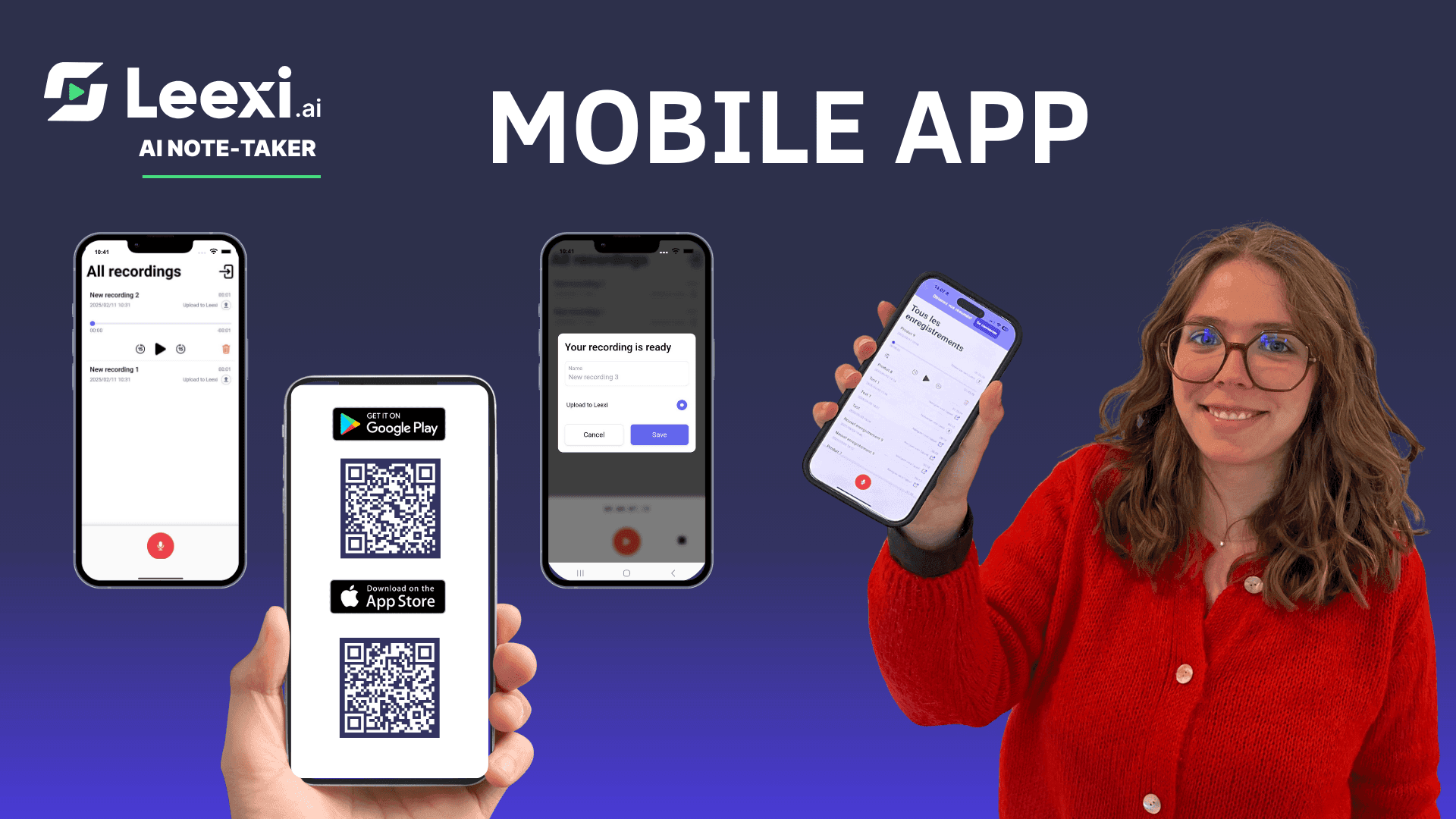
Take meeting notes with Leexi’s mobile note-taking app
Discover how the Leexi mobile app records, transcribes, and summarizes your in-person meetings on iOS and Android.
10/05/2026
Read more
Which note-taking app works offline?
Record and note your meetings offline with Leexi, the smart app that captures everything and works perfectly without internet.
08/18/2026
Read more
How to take notes automatically with Leexi
Discover how Leexi fully automates meeting note-taking, captures and summarizes key information, and helps you save up to 4 hours per week.
10/05/2026
Read moreReady to boost your productivity with Leexi?
Leexi AI Notetaker takes notes for you