

AI note-taking for your Teams Phone calls
- Connect Microsoft Teams Phone to Leexi and benefit from automatic recording, clear transcripts and advanced analytics.
- Save time and simplify your call reports with a Microsoft-certified solution.
- Everything is automatic, secure and hosted in Europe.
Overview of the Leexi + Teams Phone integration
This integration allows you to authorize Leexi to automatically record your phone calls made through Microsoft Teams Phone, thanks to our partnership with Imagicle, a Microsoft-certified solution.
From these recordings, Leexi provides you with a complete transcript, a summary, a follow-up task list, advanced statistics, and many other exciting features!
And the best part? Everything is automatic!
Recordings are first captured and secured on Imagicle’s European servers, then automatically transferred to Leexi, where the analysis begins.
How do you integrate Teams Phone with Leexi?
Step 1:
Contact your Leexi representative to activate the integration and define the number of licenses required.
💡 This integration may incur additional fees, included directly in your Leexi subscription.
Step 2:
Complete the Imagicle form to start the installation:
Once the form has been submitted, Imagicle will create your environment within 1 to 2 business days.
Step 3:
Complete the steps described in this Imagicle procedure:
The required credentials (Main App ID & Pair App ID) will be provided by the Leexi team.
Step 4:
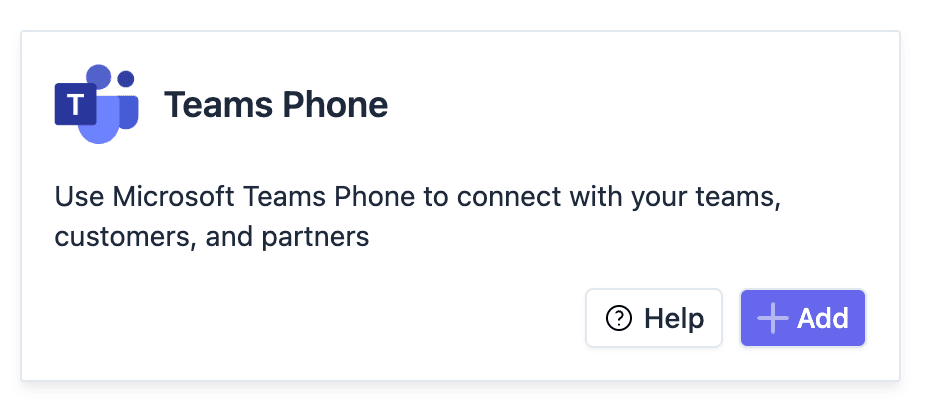
Go to https://app.leexi.ai/fr/settings/integrations/user, find the Teams Phone integration, then click Add, followed by Save.
Step 5:
Once the integration is activated, click Manage.
Add licenses to the relevant users using the “+” button.
The number of licenses available corresponds to what was agreed with Leexi. If you exceed this number, an error will be displayed.
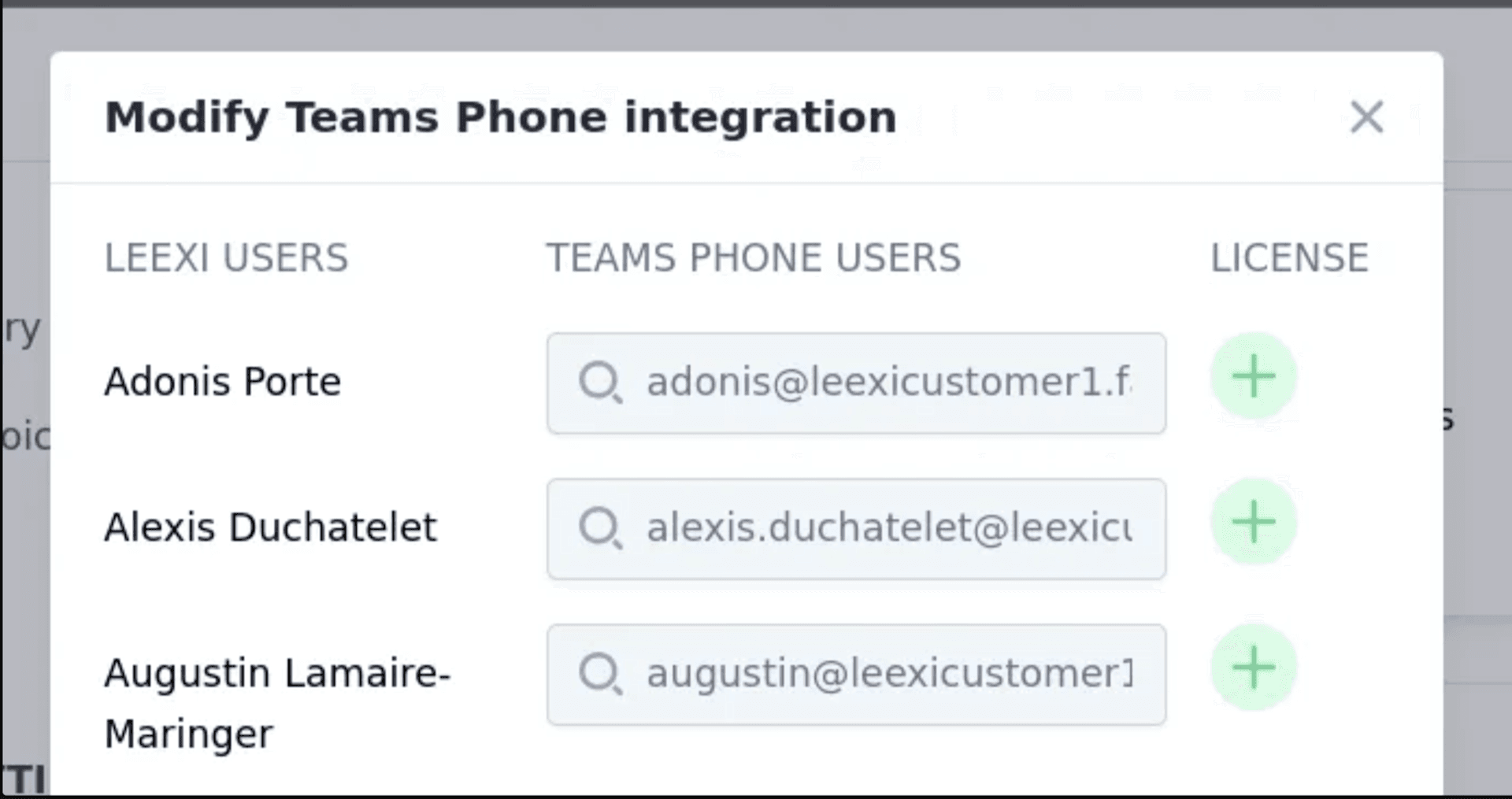
⏳ Approximately 4 hours are required for synchronization to take effect on Imagicle’s servers.
Benefits of the integration
By integrating Teams Phone with Leexi:
- Your calls are recorded automatically, with no manual intervention.
- You remain compliant with a Microsoft-certified solution.
- You can manage your users and licenses more easily.
- You benefit from advanced analytics effortlessly.
- You save valuable time drafting your call reports.
Terms of use
This integration relies on a third-party solution: Imagicle.
By activating the integration, you accept their Terms and Conditions of Use.
📍 Data is processed and hosted in Europe.
📩 Any questions concerning the processing or storage of your calls should be addressed directly to Imagicle.
⚠️ Important clarification: This integration uses Imagicle’s call recording technology to enable Leexi’s AI note-taking features. It does not include the full Imagicle Compliance Call Recording product, which requires a separate license and pricing. If you need the complete compliance solution, it is available directly on the Microsoft Marketplace.
Prerequisites
🔐 Administrator rights for your Leexi and Microsoft Teams accounts
📧 The email addresses used on Leexi and Teams must match exactly
Try Leexi with Teams Phone
Ready to take your calls to the next level?
Contact us to activate the integration and discover the full potential of Leexi with Teams Phone.
Ready to boost your productivity with Leexi?
Leexi AI Notetaker takes notes for you