

Automatically transfer your meeting notes to Attio
- Automatically sync your CRM data
- Receive your call notes directly in Attio
- Effortlessly centralize your customer interactions

Connect Attio to Leexi to sync your contacts, organizations, and deals, and automatically centralize your call notes in your CRM.
Attio
Sync your contacts, organizations, and deals between Leexi and Attio to centralize interactions and boost productivity.
Prerequisites
Before activating the integration:
- Admin rights on your Leexi and Attio accounts
Key Features
With the Attio integration:
- Automatic synchronization of CRM data
- Publishing Leexi call notes on deals, contacts, and organizations
After Activation
- Your CRM info syncs with Leexi
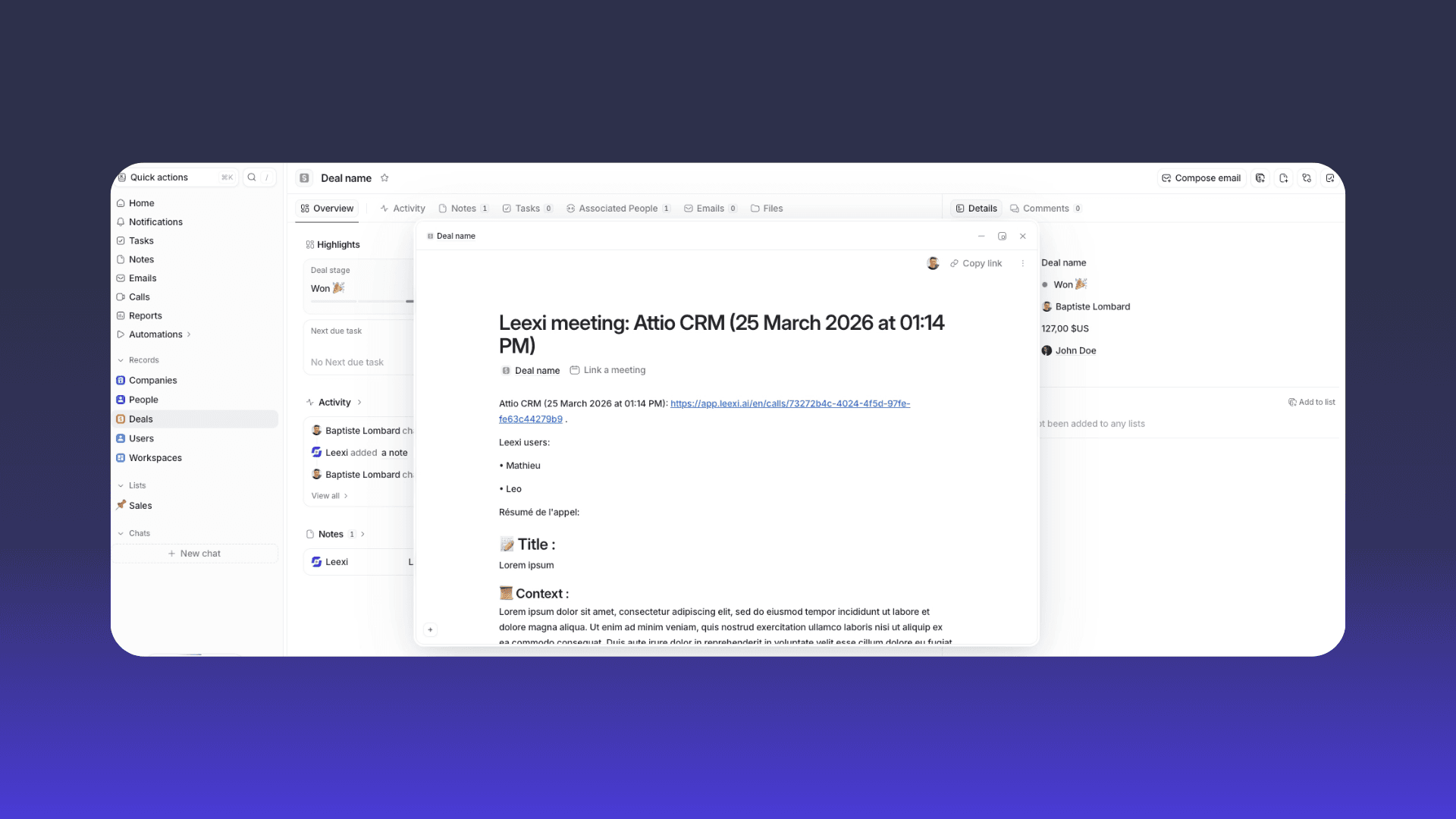
- Leexi call notes are automatically added to matching records
Where to Find Your Notes
Leexi call notes appear directly in deals, contacts, and organizations within Attio.
Activation
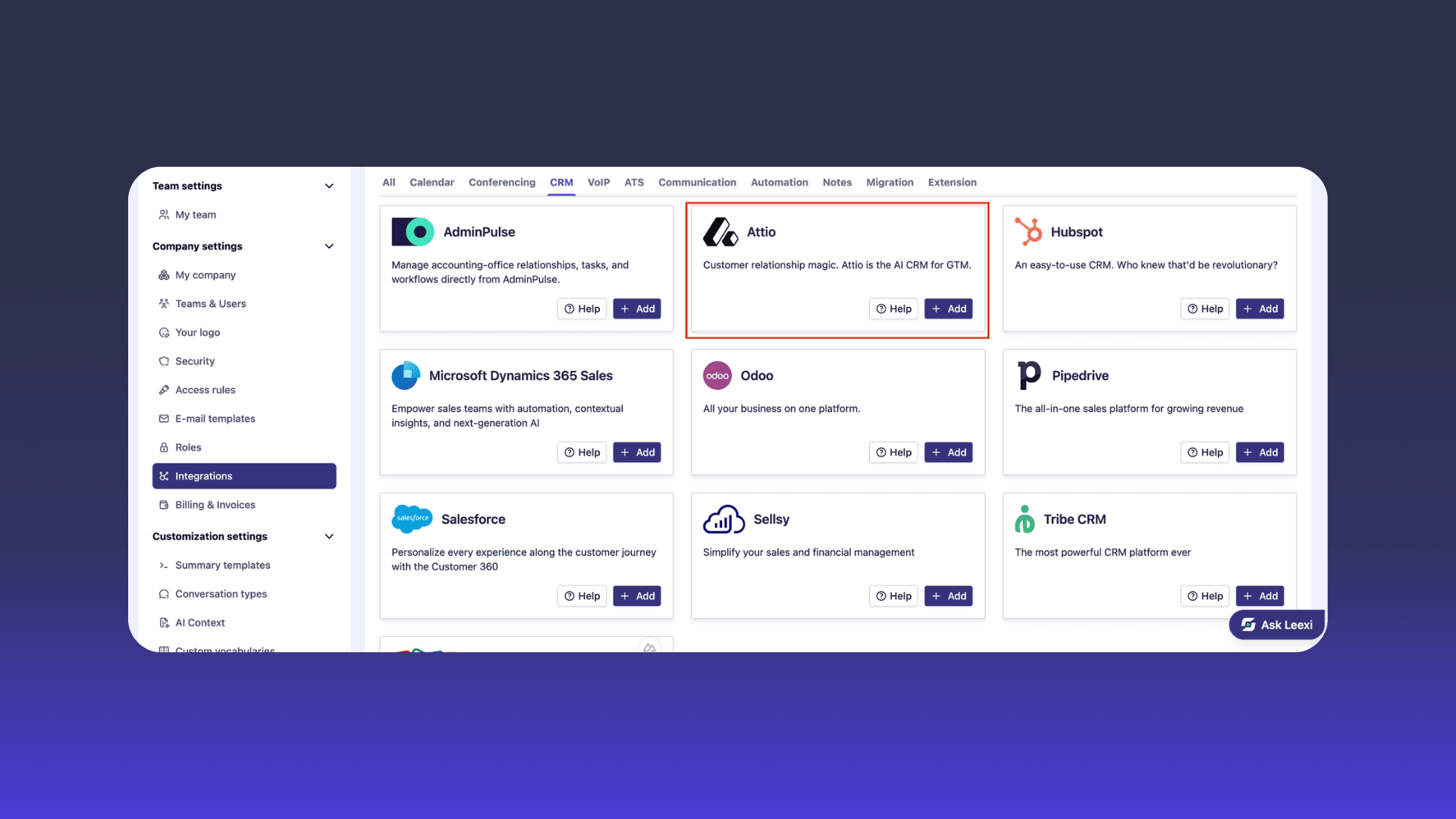
- Log in to Leexi → Settings → Company Settings → Integrations
- Click Add the Attio integration
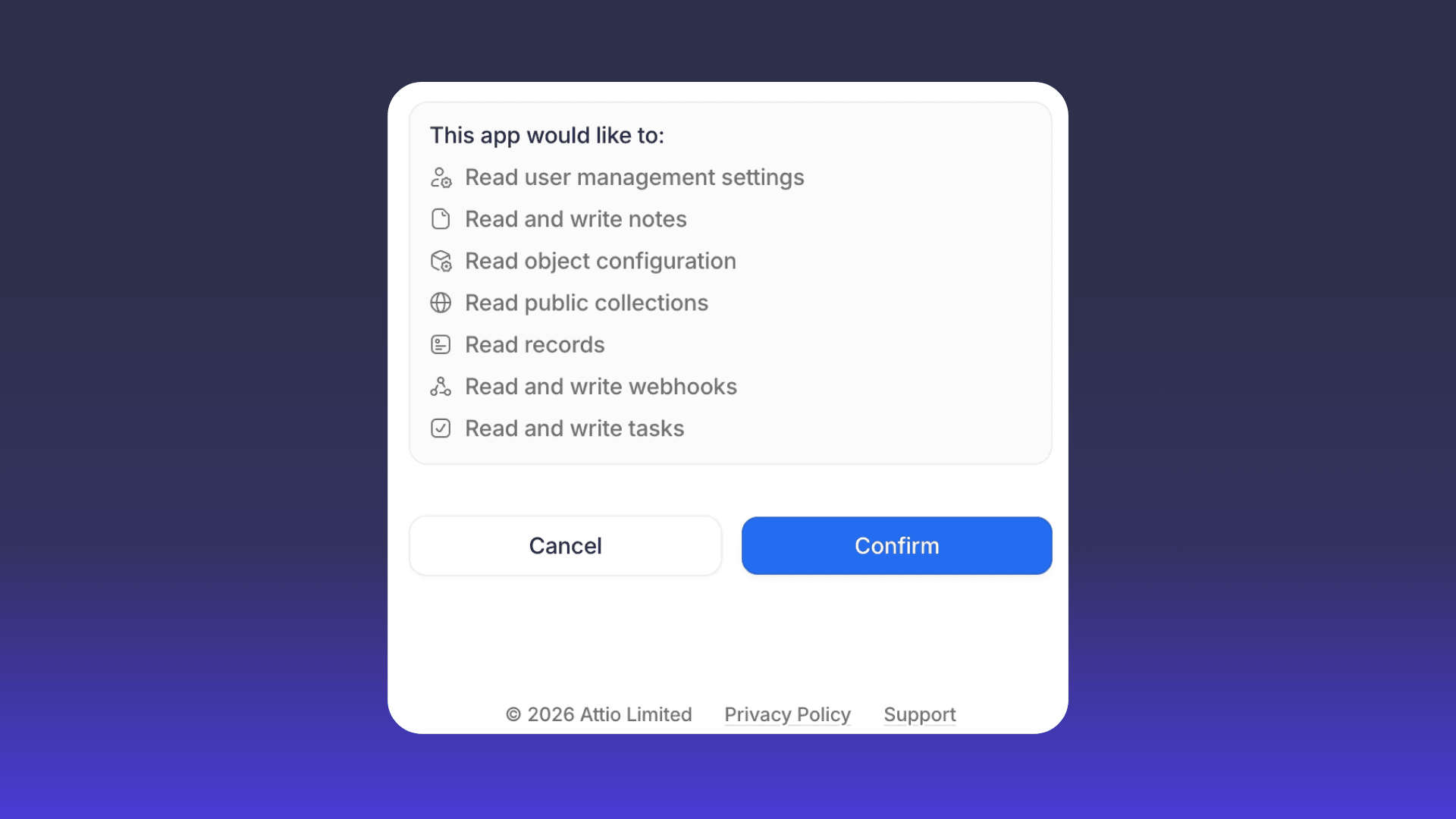
- Accept the requested permissions
Main benefit: centralized, automated tracking of your interactions in your CRM.
Ready to boost your productivity with Leexi?
Leexi AI Notetaker takes notes for you