Take meeting notes with Leexi’s mobile note-taking app
- Record your in-person meetings with a single tap
- Automatically transcribe and summarize your discussions
- Create follow-up tasks directly from your smartphone
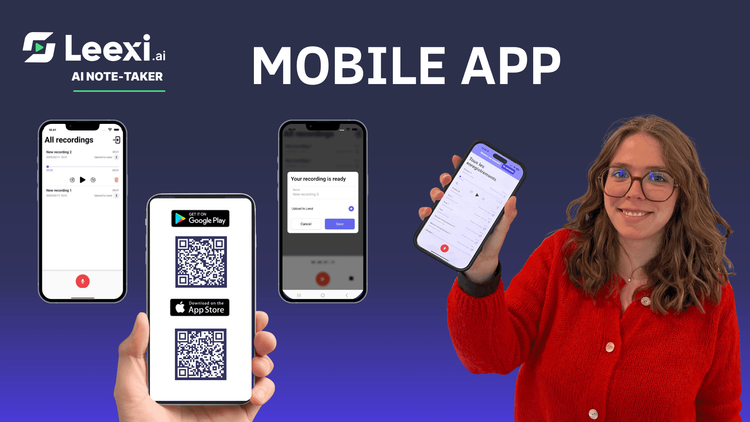
To take notes with the Leexi mobile app, simply start recording on your smartphone. Leexi will transcribe, summarize, and create follow-up tasks automatically, wherever you are, on both iOS and Android.
The Leexi mobile app lets you capture your in-person meetings effortlessly
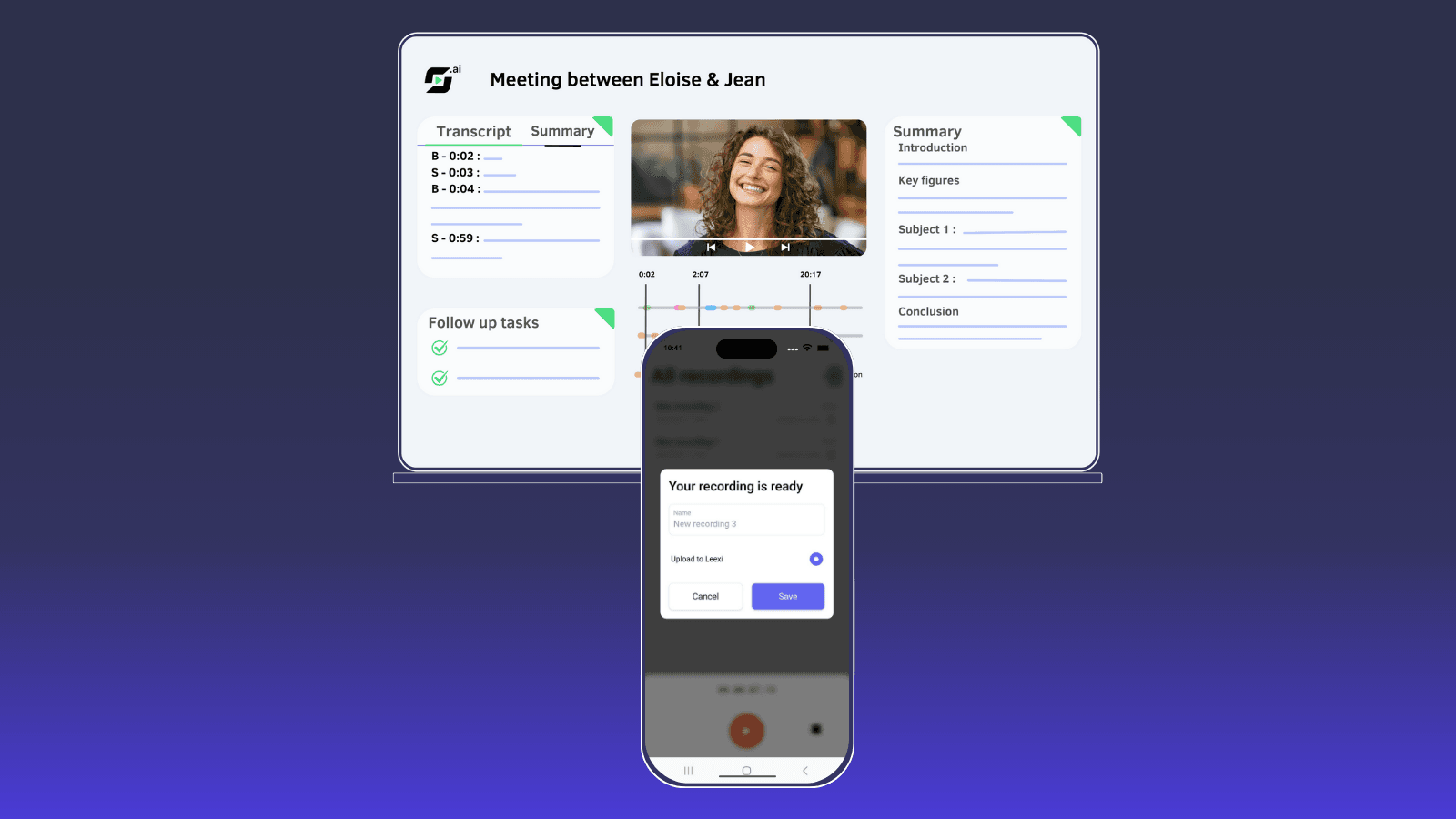
Already recognized for its automatic transcription of virtual meetings (Zoom, Teams, Google Meet), Leexi now offers a mobile app that simplifies in-person note-taking. Just place your phone on the table and tap “Record.” Leexi takes care of everything else: clear transcription, instant summary, and action tracking. Everything is automatically transferred to your Leexi workspace.
Even without network coverage, your meeting can be recorded for up to 4 hours, then synced automatically once the connection returns. With Leexi, you never lose important information again, even during informal conversations.
Who is the Leexi mobile app for?
This app is designed for anyone who needs to capture the essentials of their in-person meetings, whether scheduled or spontaneous.
It is especially useful for:
- Anyone who regularly attends in-person meetings
- Managers and team leads: keep track of decisions made during team discussions
- Consultants and freelancers: archive insights from workshops or collaborative sessions
- Students and researchers: retain key information from interviews or project meetings
- Salespeople and business developers: record customer conversations without opening a laptop
In short, anyone who doesn’t want to lose important information during face-to-face interactions can rely on the Leexi app.

Installing and logging into the Leexi mobile app is quick and easy
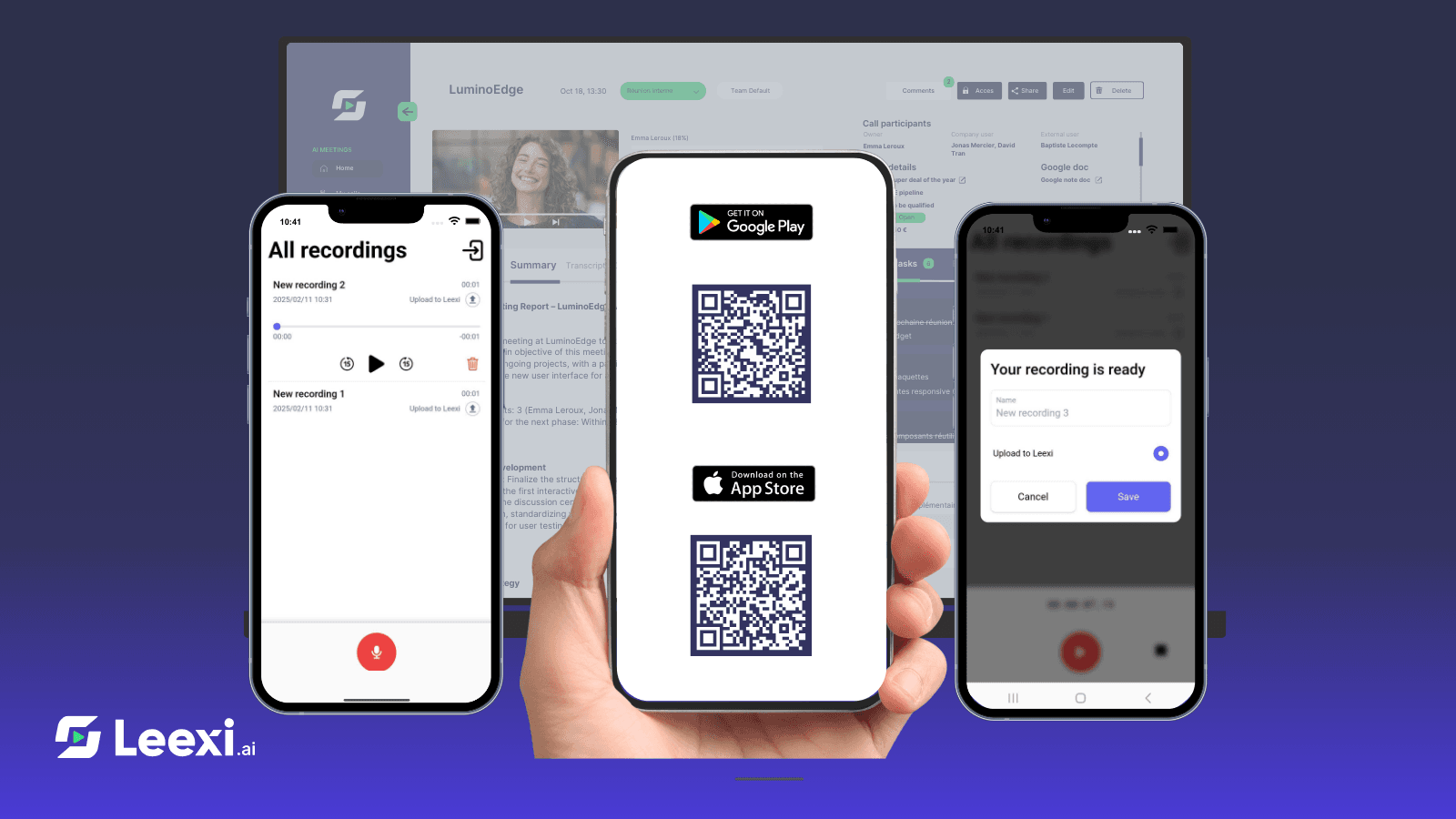
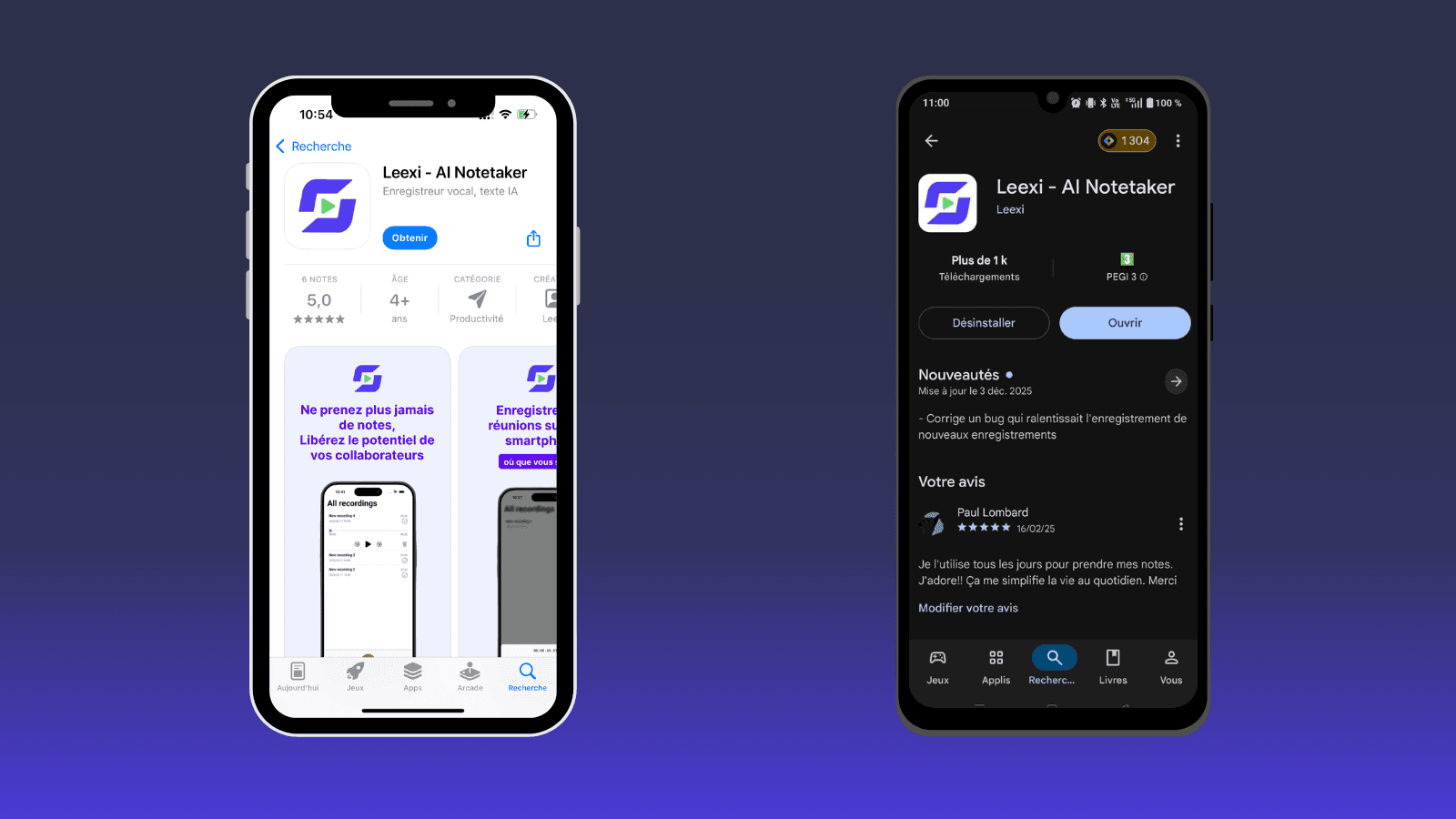
Download Leexi on iOS from the App Store or on Android from Google Play.
Log in with your existing Leexi credentials.
And if you don’t have an account yet, you can create one directly on leexi.ai !
In less than two minutes, your smartphone becomes a complete automatic note-taking tool, ready to record your in-person meetings.
How to use the Leexi note-taking app
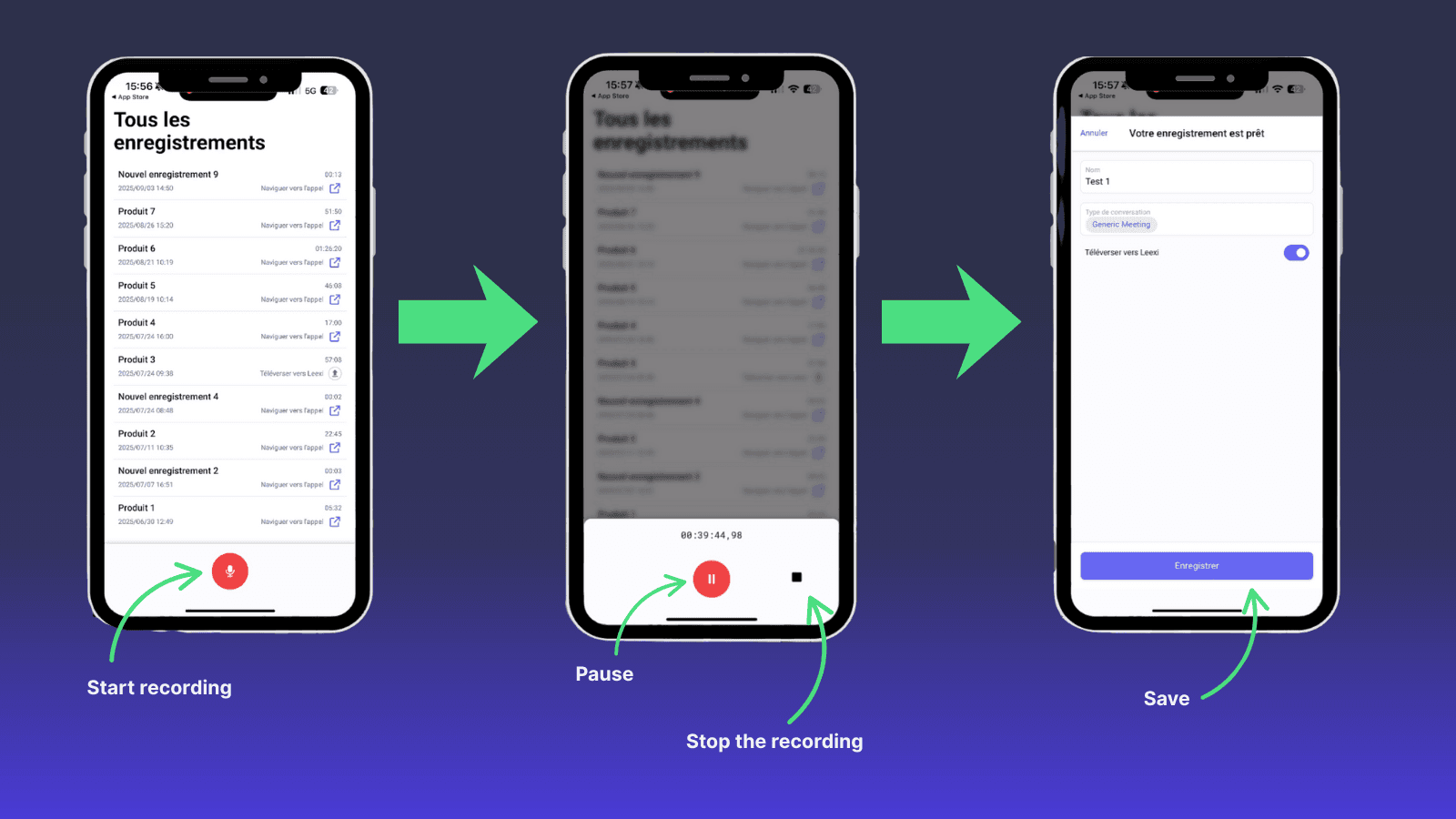
To record a meeting:
- Open the Leexi mobile app and tap “Record.”
- Place your phone on the table to capture all speakers.
- Optionally enable airplane mode to avoid any interruptions.
- Pause the recording if you want to exclude certain parts.
- Tap “Stop recording” when the meeting ends.
- Name your recording and categorize it by conversation type.
💡 Bonus: the app can record for up to 4 hours, even without network coverage.
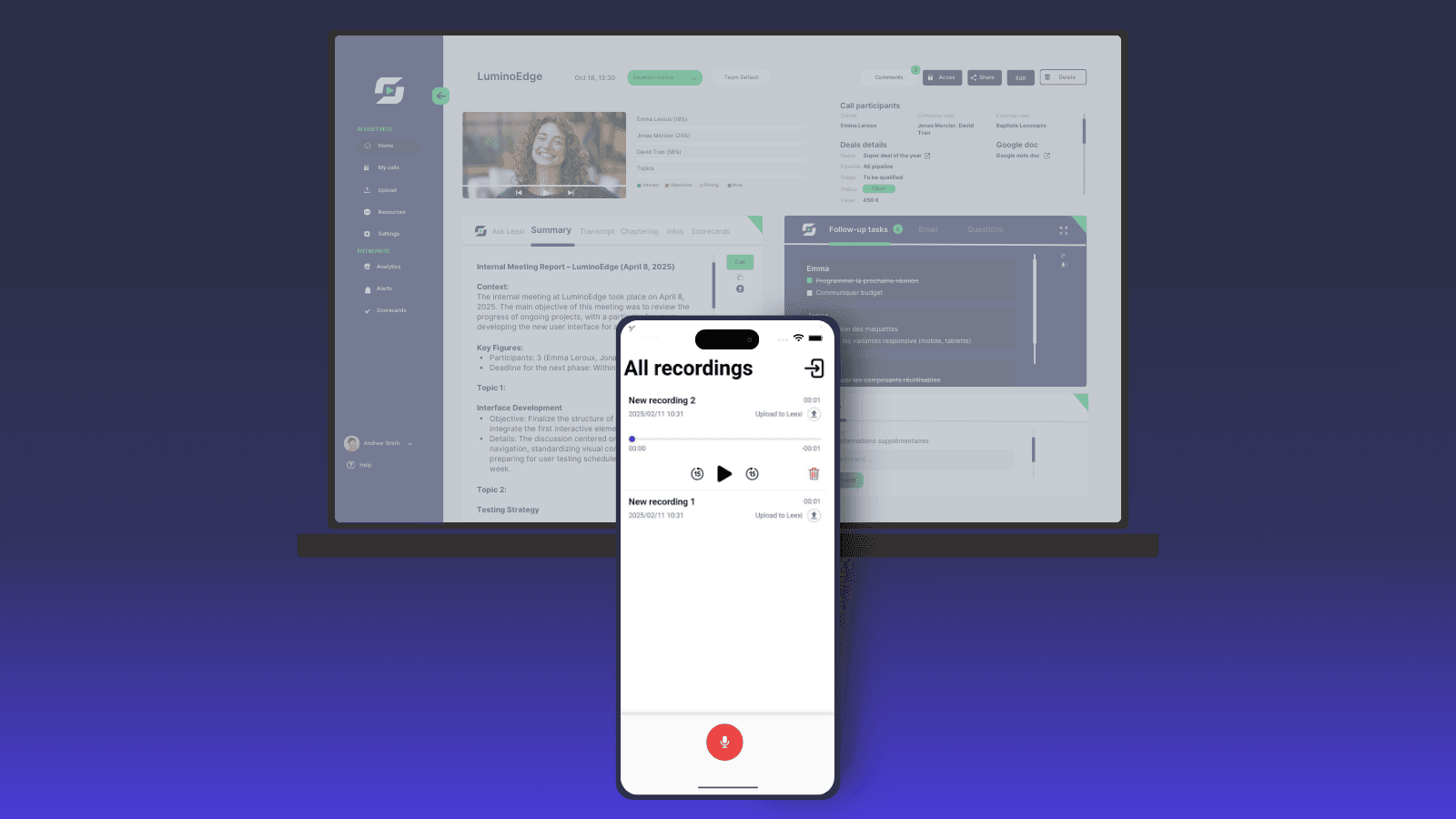
Leexi then generates the transcription, summary, and follow-up tasks, available instantly in your Leexi workspace.
Organize your meetings and easily find your notes with Leexi
Each recording can be named and categorized, team meeting, client interview, informal discussion, etc.
Leexi automatically sends all information to your personal workspace, allowing you to find any meeting in seconds, view summaries, and manage tasks directly within Leexi.
Practical tips to get the most out of the Leexi mobile app
To improve your recording quality:
- Place your phone at the center of the table to capture all participants
- Avoid background noise, and place the phone closer to key speakers if the room is large
- Use airplane mode to ensure the recording is not interrupted
With these best practices, Leexi provides a precise, actionable transcription, perfect for sharing with your team or tracking individual follow-ups.

Why choose the Leexi mobile app for your in-person meetings?
The Leexi mobile app turns your smartphone into a true personal assistant. You can capture up to 4 hours of audio, instantly generate smart notes, and automatically create follow-up tasks.
By choosing Leexi, you reduce the risk of forgetting key details, improve your organization, and stay focused on what matters. It’s the ideal solution for anyone looking to make their meetings more productive and more professional
Ready to boost your productivity with Leexi?
Leexi AI Notetaker takes notes for you